Tibor
1 reviews•New Reviewer
over 3 years ago

Easy to use
Easy to use. There are Mac and IOS applications with great layout and functions.
Helpful?





8 months ago
Scammers. They charge your credit card an overuse fee, and then the next day, they send an email stating that you have exceeded your quota. After charging you. I asked them why they don't send an emai... See more
8 months ago
Warning SCAM!!! DO NOT GIVE YOUR CREDITCARD INFORMATION TO THEM!!!! If you try to turn off subscription auto renewal they will automatically change your password in keychain!!! You can not remove cre... See more
Easy to use. There are Mac and IOS applications with great layout and functions.
I opened my account on Saturday February 11 and it took until Friday February 17 to make a back-up of approximately 5TB. Last weekend I spent 24 hours a day and from Monday to Friday approximately 16 hours a day. It took about that long, initially I was afraid that it would take much longer. The connection is very stable, I had no problems, however, the upload speed seemed a bit slow compared to the connection I have to the Internet (gigabit connection), but comparing my experience with what others have said about the upload time, I consider that mine was very good. The fact that you have access to all files from anywhere is a very good thing. Last but not least, the price seemed very good compared to other similar services.
iDrive is very well priced for the space you get. The IDrive for Linux scripts are awesome, and really great for my use case to backup my homelab configuration files.
So far so good with the service. Using it as a way to have a cloud backup for my computer/drives.
Be careful with this company! Once you have subscribed to a plan, it's only possible to upgrade the plan! You cannot cancel your plan online. Even, when you deactivate the autorenewal, they try to take your money on your credit card.
The program installed easily and I was on my way to backing up my drive right away. It uploaded 16gb then abruptly quit. Support tried to help unsuccessfully and said that the development team would contact me. A week later and no help. I also installed this to a brand new PC in the interim. I couldn't upload a single thing and got all the same error messages as the first incident... I wouldn't waste my time with this product until it is fixed.
I've been considering a backup solution for some time to replace the confusing and flaky Windows provided solution. After reading a couple of reviews, I decided to give iDrive a try. Honestly, I couldn't resist the almost free first year price. So far so good. It is reliably backing up my Windows files to an external drive and the cloud. I also installed the iDrive app on my iPhone to backup my pictures. Without customization, it is backing up files on a daily basis with very little noise. Next, I'll be testing restores to be sure I know what to do if the need arises. I anticipate recommending this to my friends.
I tried iDrive as an alternative to my beloved Crashplan that is a shadow of its former self. So far the backup has been quick and reliable - just make sure you have a scheduled full backup in addition to the real-time setting - I learned that through trial and error and thankfully didn't lose any data as a result. Besides that I'm happy with performance and price.
So far, the system is stable and the mobile app is working great. Of course, time will tell, but it's doing exactly what I want it to. Did you hear that Amazon CloudDrive (the service I switched from)? This service is doing exactly what I want it to! Thanks iDrive!
Well the overall experience is pretty good and support have fixed the issues I had, which was the backup either doing nothing or missing files. One feature I'd really like is the ability to moves files/folders within the backup set (the cloud backup). If you add a directory to the backup set (in the windows app) then the location in the backup may not be the same if you do the same backup using the right click "add to backup set" or "backup now". Very annoying but I can see why it happens.
I am not a fan of iDrive. I tried to set it up on my laptop and did not succeed after several tries. It was not initutive at all in my opinion. Even contacted tech support for help. Still couldn't get it set up and running. Finally contacted customer support to cancel and get a refund. Was on hold for quite awhile and when I finally spoke with an agent, I was told I needed to be transferred to the refund department. Back on hold I went. Finally the call seemed to transfer but it just rang and rang and then I went back to the same hold queue. At this point I tried a chat and that didn't work either. I was bounced around and responses took awhile. Finally on the third phone try I was able to connect to an agent . . . but because my original subscription was more than 20 days old, they were only willing to give me a partial refund. Clearly I was trying to set it up and was just not able to. It's not a lot of money, but in principle, they should have provided me with a full refund. Carbonite is more expensive, but is set up and working great.
Amazing online backup at great price.
iDrive offers a lot of features compared to the other backup programs, but it is more difficult to use. The price is competitive and capacity is good compared to other programs, so the value is good if it works. I'm hoping. I wanted to use the Shipped Hard drive service for initial backup, but it is expensive if you are located in Canada, rather than the US. Running the initial backup took a long time and seemed slow compared to others I've tried. I got messages that my backups had failed, but I had trouble determining why it had failed. The Help features in the desktop program aren't working, and when I contacted support they didn't believe me. I submitted a couple Support tickets for my problems, but didn't receive any resolutions. (After a week.) I've spent 3 weeks with it so far, and I'm still hoping to get it working, but it's been frustrating.
The IDrive back-up system was easy to use, fast and accessable. It was the only system that backed up all my files each day, automaticly and quickly.
Great product, I'm using it for years and very satisfied, the support is great as well. Very recommended
That Idrive is good for cloud and speed thats good. I am test and now trust cloud!
Fast synchronisation of files, easy to manage and maintain.
We decided to try iDrive after the recommendation of others and online searching. The service was so easy to set up and allowed me to not only cover my computer, but my wife’s as well. The backup system works seamlessly and really helps to alleviate concerns. We have lost data before due to hard drive crashes, including external drives. iDrive allows backup of connected drives as well. We travel a lot for work, so keeping digital copies and backups of information is extremely important and with iDrive I can be sure that my stuff is safe. Also, we opted for the online storage and it is fantastic. I have plenty of space and can access my files from anywhere.
I am relatively new to iDrive. So far, I've done a full image backup to the cloud and a full image backup to my external drive. Both backups were done without a hitch. I am still wading through the manual to get a far better handle of the program. What I like is the set it and forget it atmosphere of iDrive.
iDrive is an easy-to-use backup solution that works reliably and without a hitch. The setup is a breeze and I can wholeheartedly recommend the product.
Based on analysis of 132 reviews rated 1-2 stars for IDrive Online Backup
“Customer services is completely pointless - no one takes responsibility - just get passed around from person to perso...”
“Idrive cannot be relied upon for any critical backups”
“Warning SCAM”
“STOP DON'T - they might be kinda cheap, but you do not get what you pay for”
“STOP DON'T - they might be kinda cheap, but you do not get what you pay for”
Anyone can write a CrowdTrust review. People who write reviews have ownership to edit or delete them at any time, and they'll be displayed as long as an account is active.
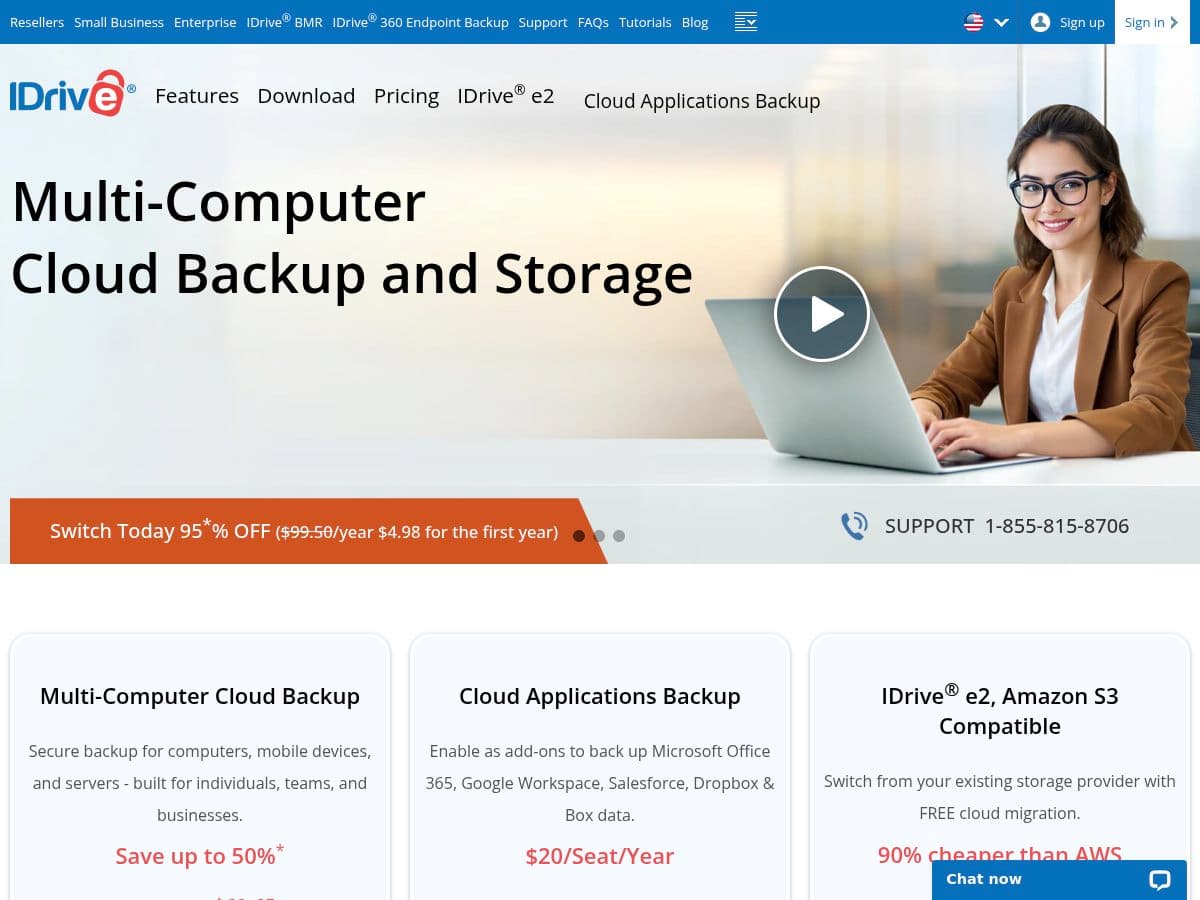
IDrive Online Backup is a cloud storage and backup solutions provider catering to both individual and business customers. The company offers a comprehensive range of services, including multi-computer backups for PCs, Macs, iPhones, Android devices, and servers, all managed under a single account. IDrive's offerings also extend to specialized cloud application backups for platforms such as Microsoft Office 365, Google Workspace, Salesforce, and Dropbox. Targeting a diverse clientele from home users to small and medium-sized businesses, IDrive provides flexible pricing plans that include significant discounts for first-time users. The platform emphasizes secure and efficient data storage, enabling users to safeguard their important information while benefiting from cost-effective solutions tailored to their specific needs.
IDrive Online Backup receives a mix of feedback from users, with many praising its user-friendly interface and effective backup solutions. Reviewers appreciate the great introductory offers and find the software easier to navigate compared to competitors. However, there are significant concerns regarding the reliability of the service, with multiple users reporting issues such as account cancellations without notification, data loss, and unresponsive tech support. Some customers express frustration over the performance of the cloud drive sync feature, which has failed them on several occasions. Additionally, complaints about unprofessional staff and unresolved technical problems are prevalent. While many users have had positive experiences, the recurring issues with support and data management lead to a cautious sentiment overall.
We're all about transparency. Companies can't pay to alter or remove reviews from CrowdTrust.