Paul Wester
1 reviews•New Reviewer
about 3 years ago

Easy to use and reliable
Easy to use and reliable. I really like the daily backup report. It gives you feed back that everything is OK.
Helpful?





8 months ago
Scammers. They charge your credit card an overuse fee, and then the next day, they send an email stating that you have exceeded your quota. After charging you. I asked them why they don't send an emai... See more
8 months ago
Warning SCAM!!! DO NOT GIVE YOUR CREDITCARD INFORMATION TO THEM!!!! If you try to turn off subscription auto renewal they will automatically change your password in keychain!!! You can not remove cre... See more
Easy to use and reliable. I really like the daily backup report. It gives you feed back that everything is OK.
Automatic backup just does not work! I've set it so many times (include calling support etc) but find myself, periodically, having to manually sit here and do it. One day, should my phone get lost/stolen/broken, I will definitely have lost pictures and files due to the auto back-up not working. Its the whole reason for paying for the storage and it simply doesn't do as described.
I had been using Acronis. It came up for renewal and they had increased their prices and my needs were in between two of their tiers which made it cost-prohibitive. iDrive had great pricing, the amount of storage that I needed, the features that I wanted, and no bloat. In addition, unlike some of its competitors, I was able to choose exactly which files I wanted to back up, and I found the speed of both the backup and restore process to be reasonable. I think all of its great reviews are well-deserved.
Great customer service.
I'm not a fan! In the past couple weeks I've tried IDrive as my data backup solution. The plan was to backup critical data from two laptops to my local 3TB NAS device, and then backup the NAS device to IDrive online. On the 1st laptop, I identified 43.5GB of data to be backed up to my local mapped NAS drive. After running for 2 days, the backup had not reached 30% complete. When I chatted with support about this, they indicated that 1) encryption was a factor, and 2) if I used the IDrive Express external drive that I'd just received, the local backup would be markedly faster. So, I canceled the NAS backup and started the exact same backup to the USB 3.1 attached Express Drive. After 4 days running, it had not yet reached 50% complete. Since that's roughly 4 days for 21.27GB, I couldn't consider IDrive as an acceptable backup solution (local or online). As I was clearing the data from the Express Drive, I saw that the IDriveLocal folder, created by the backup job, was at a total of 521GB and 8,712,815 files. So, that means that approximately 21.75GB, had become almost 24x its original size with encryption added. Sorry, that doesn't work for me.
lots of storage for a good price.
The platform has good feature and great packages prices, but it's kinda a trap when you decide to cancel your account/subscription. I did cancel my account from the settings and the subscription got canceled, but the account and its data are still activated and can be accessed with my login credentials. I also tried to contact the customer service, but they aren't responding (I googled the issue, and it seems many customers faced same trap) ----Update 21.04.2023---- I did contact the support team from the first of April, and they requested some information for verification, but they didn't get back to meto resolve the issue
I have an extensive photo library and as a result I needed an affordable and easy to use solution to safely store and help manage them. IDrive was easy to use and configure. Adding additional files and folders is simple and intuitive. Access to my files is also simple and offers me all of the features that I could want in file management and storage. Peace of mind that my files and photos are secure is priceless! Keith Parkhurst
Just started using Idrive to backup my macbook pro. So far seems to be working well. However, the initial upload took a VERY long time (Okay, I know I was uploading a lot, but still). Easy to set-up...let's see how it goes.
iDrive is the best cloud backup I have ever used, and it deserves a five-star rating. I installed iDrive several months ago, and I haven't experienced any glitches. Daily incremental backups are very fast and work seemlessly without affecting my MacBook Pro's performance. Installation and set-up were a breeze - quick, easy, problem-free, and intuitive. Upload and download speeds are excellent. I can't comment on customer service because I haven't had the need to contact iDrive about any issues. Don't be alarmed if the initial backup takes several hours. This is normal. I highly recommend iDrive. It's an excellent product, and well worth getting.
Works very well. Backs up server at scheduled time every day, emails me a report when completed. Effortless to set up and effortless to use. SIGNIFICANTLY cheaper than our last backup service.
Works well thus far. iDrive was relatively intuitive and easy to set up. Runs well and I really like having it on all my devices without separate accounts. It doesn't appear to backup my downloads folders, so it just means I can't leave anything important there (which I really shouldn't anyway). Overall very happy with iDrive!
My intent when researching back up options for my personal PC was to purchase an external hard drive. I stumbled on iDrive in the process and decided to give it a try. It was simple to install and the backups are automatic as scheduled. I haven’t needed to restore anything but if I do I’m confident my data is there. This is a great value for the protection from loss of important information.
Easy to install and then instigate backup. Great value too. A better experience compared to the platform that I previously used.
I recently switched to IDrive for personal use and find it works well for my needs. If you are looking for an alternative to ICloud, the photo management is robust and efficient, not to mention the generous space allowed for device backups. The online support is very quick to respond and assist.
Gets the job done, but the UI is confusing.
I used iDrive as my online backup provider as my Synology NAS has iDrive app available. Installation is easy. The app is easy to configure. I was able to setup backup task and schedule in minutes. the initial backup took a while but after that, the incremental backup is very quick, and it provides a log/report for each backup. I would recommend this app to friends.
I just bought IDrive backup but so far so good. The ratings from on-line reviews put it at a top choice so I decided to give it a try. Installing was easy, backing up my drive was no problem, and the daily backups are generally taking place as planned. Some of the daily backups are failing, I think because my computer is sleeping. But I get the warning and then run a manual backup and all is well. There might be something to tweak to stop this from happening. I haven't tried to recover anything (fortunately) but I'm happy that my files are safe and sound somewhere.
Fue una buena opción para hacer backup de gran tamaño (10TB) sin que cueste casi 150 euros anuales como en sitios más populares. Leí muy poco las instrucciones porque tenía apuro en backupear, y así y todo fue fácil de entender. Hay 10TB para backup directo, y otros 10TB como drive/nube con el que podría pasar links a carpetas a otras personas. Esto no lo sabía al contratarlo y me pareció muy bueno. La razón por la que no pongo 5 estrellas es que aún no hice uso de toda la aplicación.
after multiple problems with carbonite failing to back up despite repeated attempts to reinstall and activate, i found iDrive thru a tech review of backup services. it took several hours for the initial backup, but everything seems to be fine now.
Based on analysis of 132 reviews rated 1-2 stars for IDrive Online Backup
“Customer services is completely pointless - no one takes responsibility - just get passed around from person to perso...”
“Idrive cannot be relied upon for any critical backups”
“Warning SCAM”
“STOP DON'T - they might be kinda cheap, but you do not get what you pay for”
“STOP DON'T - they might be kinda cheap, but you do not get what you pay for”
Anyone can write a CrowdTrust review. People who write reviews have ownership to edit or delete them at any time, and they'll be displayed as long as an account is active.
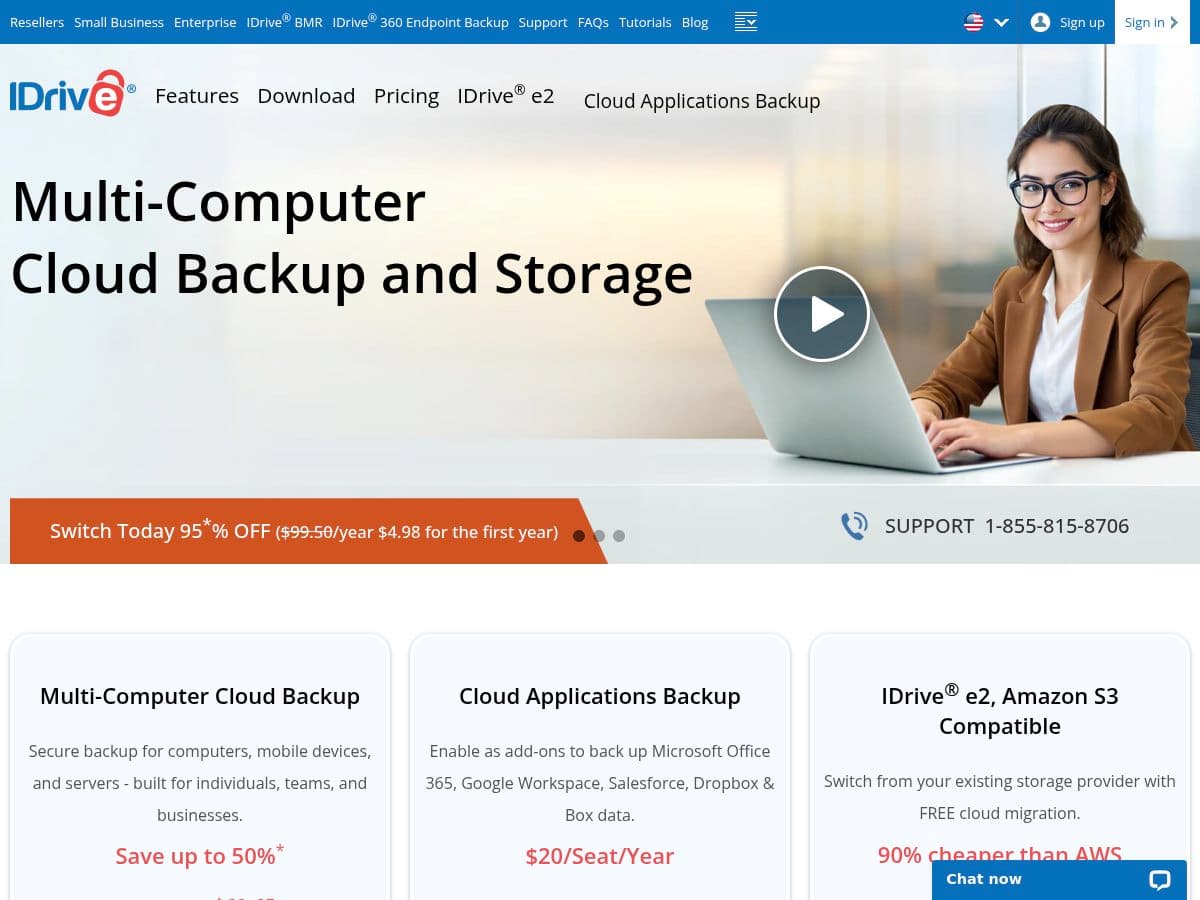
IDrive Online Backup is a cloud storage and backup solutions provider catering to both individual and business customers. The company offers a comprehensive range of services, including multi-computer backups for PCs, Macs, iPhones, Android devices, and servers, all managed under a single account. IDrive's offerings also extend to specialized cloud application backups for platforms such as Microsoft Office 365, Google Workspace, Salesforce, and Dropbox. Targeting a diverse clientele from home users to small and medium-sized businesses, IDrive provides flexible pricing plans that include significant discounts for first-time users. The platform emphasizes secure and efficient data storage, enabling users to safeguard their important information while benefiting from cost-effective solutions tailored to their specific needs.
IDrive Online Backup receives a mix of feedback from users, with many praising its user-friendly interface and effective backup solutions. Reviewers appreciate the great introductory offers and find the software easier to navigate compared to competitors. However, there are significant concerns regarding the reliability of the service, with multiple users reporting issues such as account cancellations without notification, data loss, and unresponsive tech support. Some customers express frustration over the performance of the cloud drive sync feature, which has failed them on several occasions. Additionally, complaints about unprofessional staff and unresolved technical problems are prevalent. While many users have had positive experiences, the recurring issues with support and data management lead to a cautious sentiment overall.
We're all about transparency. Companies can't pay to alter or remove reviews from CrowdTrust.